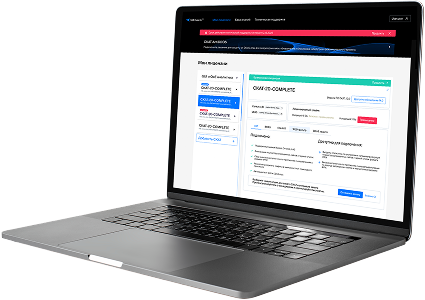
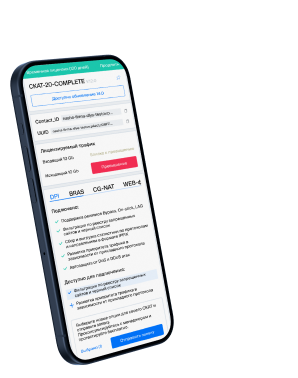
Visualization and operational dashboards
Composition of dashboards
| Dashboard | Panel | Purpose |
|---|---|---|
| ePDG Overview | 10 | Service availability, connection success rate, number of active sessions, SWu/SWm/S2b status, interface bandwidth |
| IKEv2 Details | 10 | Mes per second by type, histogram of request duration, delay in the 95th percentile, error by type, IKE SA life cycle |
| GTP Details | 8 | GTPv2-C PGW messages, retransmissions, cause code errors, GTP-U (uplink/downlink) carriers |
| Diameter Details | 7 | Number of application messages (SWm/SWx/S6b), duration of requests, state of watchdog timer, distribution of result codes, chronology of connection states |
Design for Network Management Center (NOC)
flowchart TB
NOC["NOC Dashboard Layer"]
NOC --> OVER["ePDG Overview
KPI Summary"] NOC --> IKE["IKEv2 Details
Drill-down"] NOC --> GTP["GTP Details
Drill-down"] NOC --> DIA["Diameter Details
Drill-down"] OVER -->|Click attach KPI| IKE OVER -->|Click session count| GTP OVER -->|Click peer status| DIA
KPI Summary"] NOC --> IKE["IKEv2 Details
Drill-down"] NOC --> GTP["GTP Details
Drill-down"] NOC --> DIA["Diameter Details
Drill-down"] OVER -->|Click attach KPI| IKE OVER -->|Click session count| GTP OVER -->|Click peer status| DIA
- Auto Update: 15-second update period
- Adaptive color scheme: green → yellow → red by threshold values
- Drill-down: from Overview to Detail to Component
- Time-range selector: 5 minutes to 30 days of history
- JSON provisioning: dashboards are automatically deployed
Was this information helpful?